
 BG
BG  BY
BY  CY
CY  CZ
CZ  DE
DE  EE
EE  ES
ES  GR
GR  HU
HU  IS
IS  IT
IT  LT
LT  LV
LV  MY
MY  PL
PL  PT
PT  RO
RO  SK
SK  TR
TR  UA
UA  USA
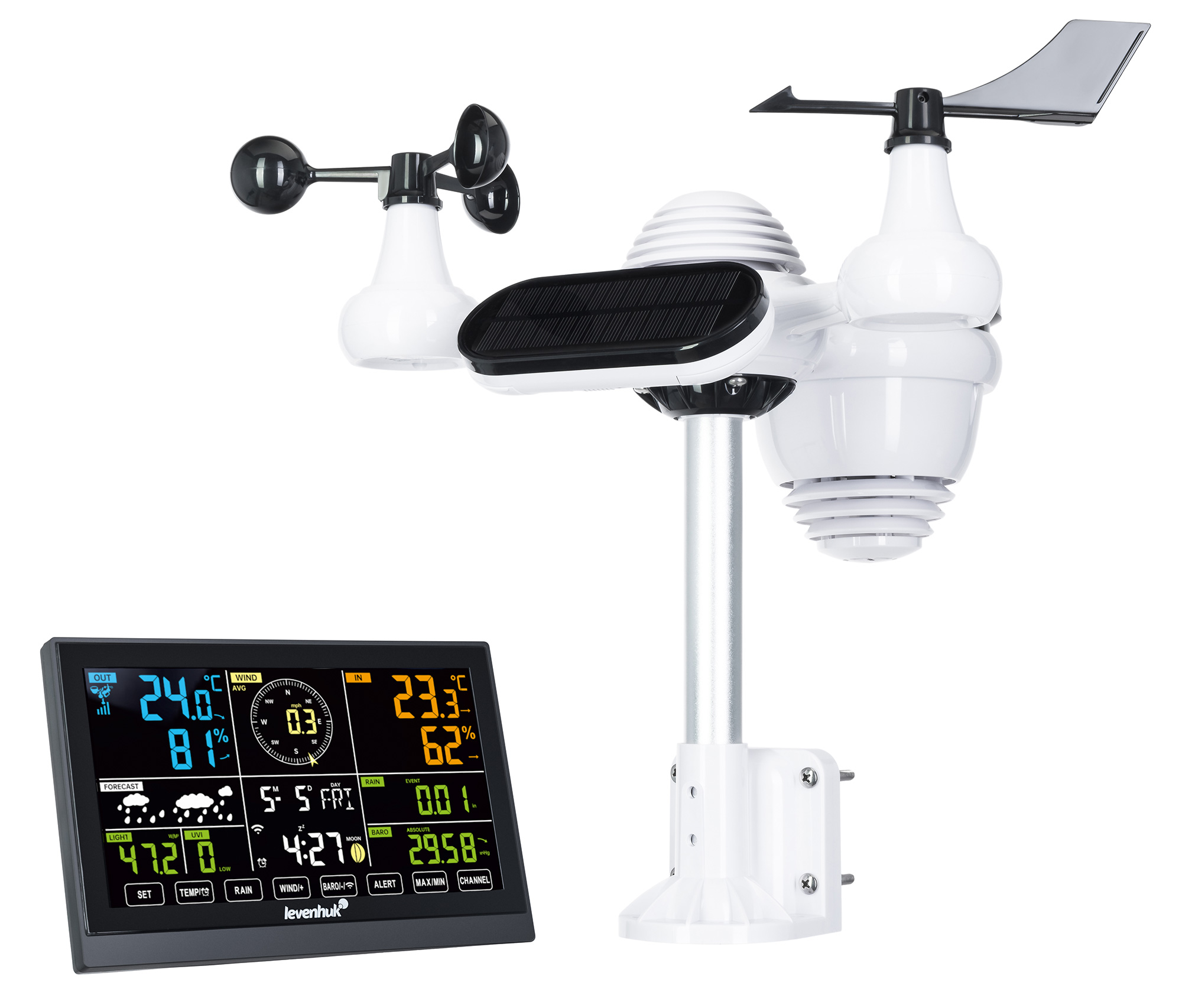
USA Levenhuk Wezzer PLUS LP140 Weather Station
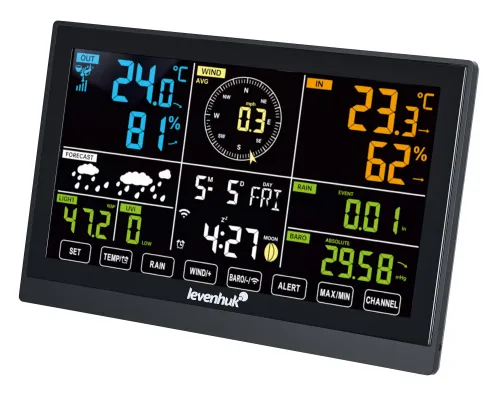
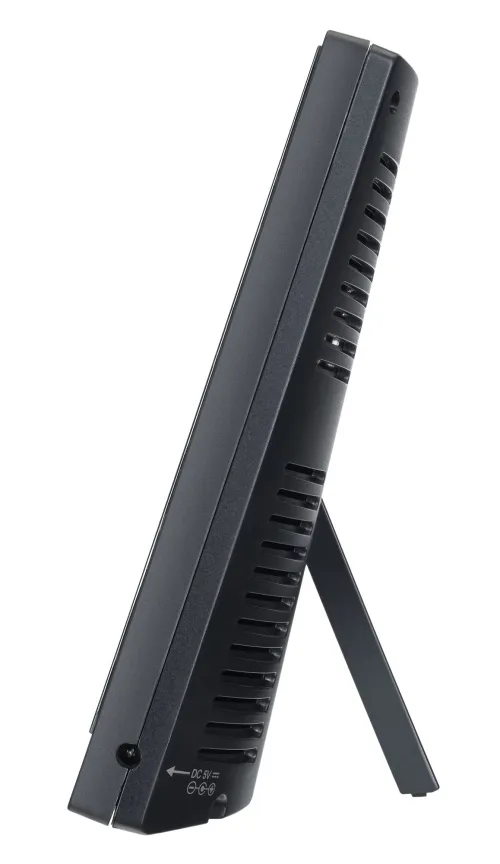
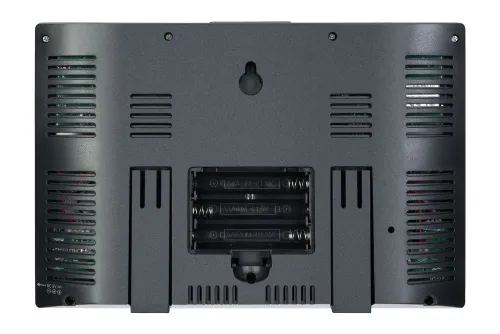
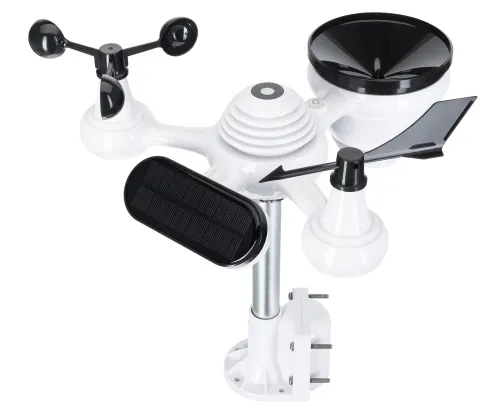
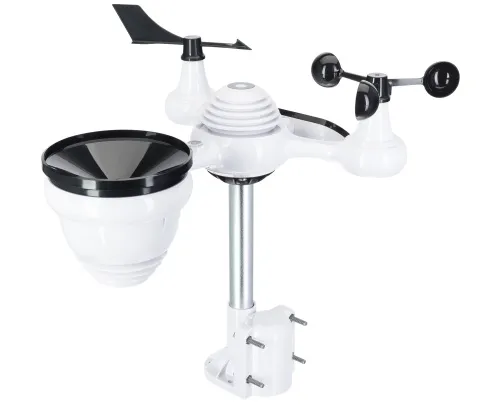
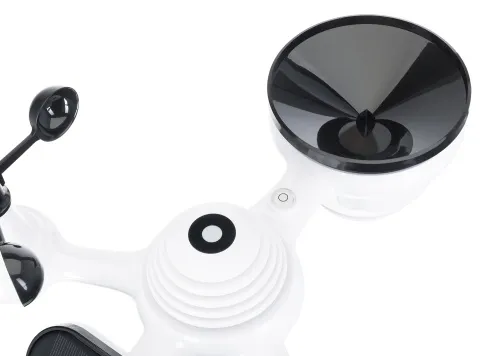
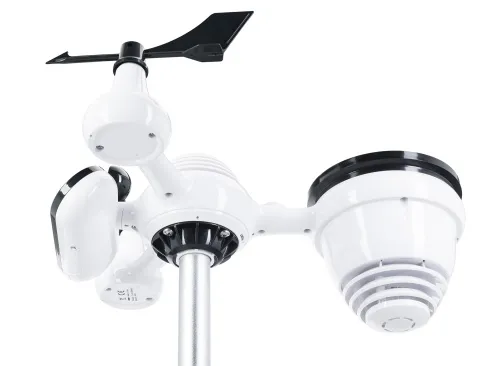
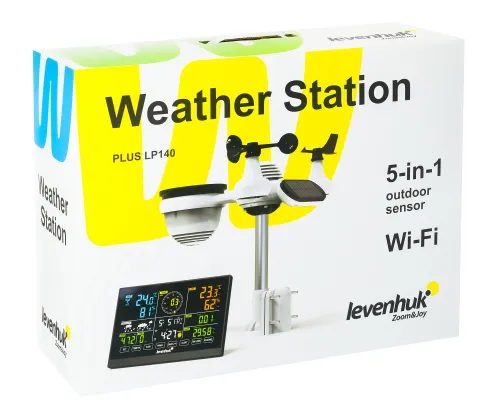
Functions: calendar, alarm clock, clock, thermometer, hygrometer, barometer, anemometer/wind gauge, rain gauge. Backlit color LCD screen
| Product ID | 82876 |
| Brand | Levenhuk, Inc., USA |
| Warranty | 50 years |
| EAN | 5905555017815 |
| Package size (LxWxH) | 45x19x36 cm |
| Shipping Weight | 2.69 kg |
The Levenhuk Wezzer PLUS LP140 Weather Station consists of a base station with a color screen and a remote sensor with the functions of a barometer, hygrometer, thermometer, anemometer, and rain gauge. Simultaneously measures environmental parameters both indoors and outdoors.
The station will help you measure air temperature, humidity, atmospheric pressure, wind speed and direction (including the speed of wind gusts), and the amount and intensity of precipitation. The device can also determine the dew point (the temperature at which water vapor condenses), heat index (felt temperature), and icing temperature. These parameters will help you pick clothes for the day, choose the method of transportation, etc. The station is also used as a clock with an alarm clock and a calendar with automatic date and time synchronization via Time Server.
The station will alert you when comfortable values are exceeded, such as high pressure or excessive humidity or wind speed. It is possible to record and view the readings history for certain periods of time (hour, day, week, month), and display the minimum and maximum values. Parameters can be displayed in different measurement units.
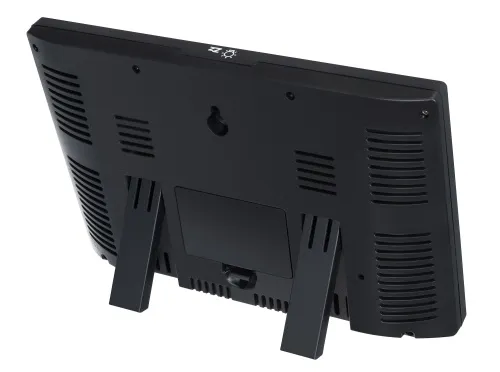
The main module of the weather station can be set up on a table or mounted on a wall. The screen is LED backlit for use at night or during the day in low light conditions. The remote sensor requires AA batteries (not included). A solar panel is used as a backup power source in clear weather. The base station can operate on AC power or on AAA batteries.
The weather station connects to the Internet via a Wi-Fi interface and synchronizes with the Weather Underground and Weather Cloud weather servers. This allows you to receive up-to-date weather reports and alerts about worsening or improving weather conditions.
Key features:
- 5-in-1: barometer, hygrometer, thermometer, anemometer, rain gauge
- Extra functions: clock, alarm clock, calendar
- Backlit color LCD screen
- Wi-Fi Internet connection, weather and exact time server synchronization, weather forecasts reception
- High and low values alerts
- Recording readings history for different periods of time, displaying minimums and maximums
- Desktop or wall mount
Please note: regarding the online meteorological services, the user will only be able to see the basic weather parameters outside (depending on the online service used).
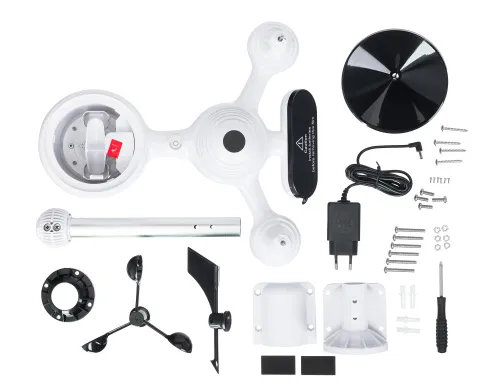
The kit includes:
- Weather station
- Wireless 5-in-1 remote sensor
- Funnel
- Weathervane with 1 screw
- Anemometer bowls with 1 screw
- Mounting stand with 6 screws
- Sealing rings, 2 pcs.
- AC adapter
- User manual and warranty card
| Product ID | 82876 |
| Brand | Levenhuk, Inc., USA |
| Warranty | 50 years |
| EAN | 5905555017815 |
| Package size (LxWxH) | 45x19x36 cm |
| Shipping Weight | 2.69 kg |
| Usage location | indoors, outdoors |
| Type | weather station |
| Built-in features | thermometer, barometer, hygrometer, rain gauge, anemometer, clock, alarm clock, calendar |
| Design | wireless, digital, wall mounted, tabletop |
| Application | for professional use |
| Barometer (atmospheric pressure) | |
| Units of measurement | inHg, mbar/hPa, mmHg |
| Measuring range | 600–1100hPa (relative range 930–1050hPa) |
| Measurement resolution | 1hPa / 0.01inHg / 0.1mmHg |
| Measurement accuracy | (700–1100)±5hPa/(600–696)±8hPa; (20.67–32.48)±0.15inHg/(17.72–20.55)±0.24inHg; (525–825)±3.8mm Hg / (450–522)±6mm Hg |
| Special features | alerts setting, daily readings history, display of absolute and relative pressures (minimum and maximum) |
| Hygrometer (air humidity) | |
| Units of measurement | % (RH) |
| Measuring range | 1% to 99% |
| Measurement resolution | 1% |
| Measurement accuracy | ±5% |
| Special features | alerts of low/high humidity, humidity alert time setting |
| Thermometer (temperature) | |
| Units of measurement | °C, °F |
| Measuring range indoors | -10...+50 |
| Measuring range outdoors | -40...+70 |
| Measurement resolution | 0.1 °C |
| Measurement accuracy | ±1°C (indoors), ±1.5°C (outdoors) |
| Special features | alert time and volume setting, low/high temperature alert |
| Clock (time/date/calendar) | |
| Clock | ✓ |
| Time format | 12 hours, 24 hours |
| Calendar | ✓ |
| Alarm clock | ✓ |
| Auto synchronization | yes |
| Special features | 8 languages (Russian, German, Danish, English, Spanish, French, Italian, Dutch), alarm clock with snooze function, automatic daylight saving time (DST) |
| Anemometer (wind speed) | |
| Units of measurement | km/h, knots, m/s, mph |
| Measuring range | from 0 to 180km/h |
| Measurement accuracy | <5m/s: ±0.5m/s; >5m/s: ±10% |
| Special features | gusty wind alert, high wind speed alert, maximum wind speed and gust speed display |
| Anemometer (wind direction) | |
| Measuring range | 16 directions |
| Rain gauge (precipitations) | |
| Units of measurement | inches, mm |
| Measuring range | from 0 to 12999mm |
| Measurement resolution | 0.254mm |
| Measurement accuracy | ±7% |
| Special features | heavy rain alert (in mm/h or in/h), high daily rainfall (in mm or inch), maximums display (day, week, month), precipitation history (hour, day, week, month) |
| General specifications | |
| Screen type | color |
| Number of screens | 1 |
| Number of screens | 1 |
| Screen features | VA matrix |
| Radio signal frequency, MHz | 868 |
| Radio signal radius, m | 150 |
| Indications update | every 20 sec |
| Power supply | outdoor sensor: 3 AA batteries, 1.5V (not included), solar battery, weather station: AC adapter (included) or AAA batteries – 3 pcs. (not included) |
| Body | high-strength ABS plastic |
| Wi-Fi | ✓ |
| Waterproof | IPX4, splash-proof |
| Number of connected outdoor sensors | up to 7 pcs. (1 piece included) |
| Overall comfort level estimation | ✓ |
| Weather trend is available | ✓ |
| Wireless sensor | ✓ |
| Backlight | ✓ |
| Backlight | always on with DC adapter, long/medium/short backlight time: 15 sec. without DC adapter |
| Additional | Time Server, Weather Underground and Weather Cloud weather server synchronization, Wi-Fi standard 802.11b/g/n, 2.4GHz, dew point, heat index, ice warning |
Is there a compatible choice to use?
Please specify.
Thanks for the query.
Here is a quick step‑by‑step guide to register your Levenhuk Wezzer PLUS LP140 on WeatherCloud.net.
Go to https://weathercloud.net and create an account (name, email, password). Confirm your email.
Log in and go to "Devices".
Click "+ New" to add a new weather station.
Fill in the fields:
Name – choose any name for your weather station.
Model (Device Type) – select "Other Series" (or "Generic Wi‑Fi Station" if available).
Link Type – select "any link type" (or leave the default value if the field is mandatory).
Location – set your country, region, city, and time zone.
Get Coordinates – click this to mark the exact location on the map, or enter coordinates manually.
Click "Create" – the weather station will be added.
Hover over the Settings gear icon and choose "Link" – you will see an ID and a Key. Copy and save them.
Now set up the weather station itself:
Press and hold the BARO/—/ button for more than 3 seconds – the display will show "AP" (Access Point mode).
On your smartphone/tablet/computer, find and connect to the Wi‑Fi network WWS‑XXXXXX (where X are digits).
Open a browser and go to http://192.168.1.1
In the web interface, go to the SETUP tab and fill in all fields, including the ID and Key for WeatherCloud.net. Make sure to set the correct time zone.
Click APPLY to save.
To finish, press and hold BARO/—/ again – the station will connect to your Wi‑Fi.
Thank you for reaching out,
Please try the following steps:
1) Change the batteries in the remote sensor
2) Try resetting to factory setting:
• Disconnect all power sources (batteries and DC adapter) from the weather station and reconnect them. The weather station will return to factory settings.
• To reset the 5-in-1 outdoor sensor, press the RESET button on the sensor body or reinstall the batteries.
Also, make sure to clean the rain gauge and solar panel every 3 months.
If the issue persists, kindly let us know,